


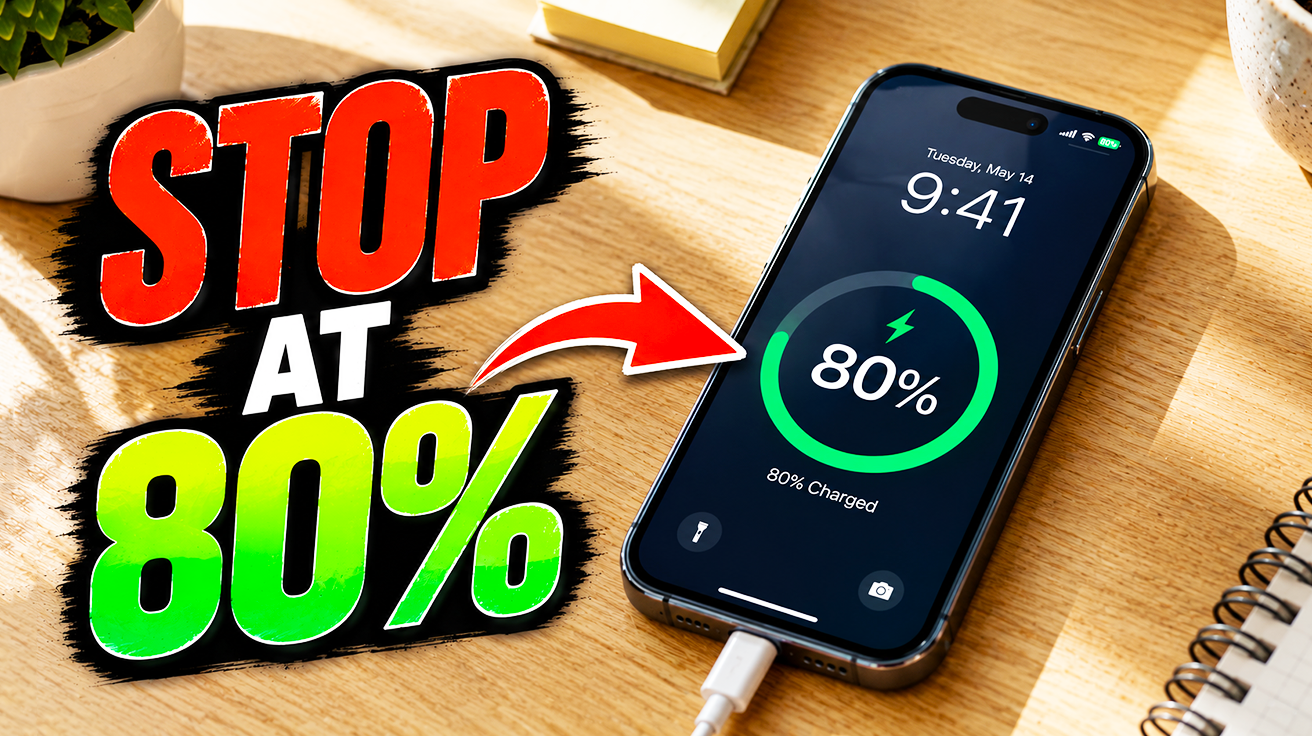
Lithium-ion smartphone batteries last longest when kept between 20% and 80% charge—a range most people ignore in their daily routine. Treating your phone’s power cell like it needs extreme bursts instead of steady care quietly shortens its useful life. The panic of searching for an outlet at 5% battery is universal, yet avoidable. These proven practices keep your phone ready for anything while protecting the battery cycles that truly matter
10. Optimal Battery Charging Range
Routinely dropping below 20% stresses lithium-ion batteries like running a car on fumes
For lithium-ion batteries, letting charge drop below 20% stresses the system unnecessarily. Preserve your phone’s vitality by consistently charging within the 20%–80% range, ideally topping up between 20% and 30%. This prevents deep discharge cycles, which accelerate wear
The frantic scramble when your phone hits 5% mid-scroll actively harms your battery’s delicate ecosystem. Consistent, partial charging maintains optimal health and performance, significantly extending its total lifespan. This saves the inconvenience and expense of early replacement
9. Using Power Saving Mode
This feature reduces background app activity, extending runtime when battery runs low
Your phone battery flashing 10% right before a crucial moment feels desperate, especially when outlets are scarce. Power Saving Mode (Low Power Mode on iPhones) becomes your quiet hero. Activating it on Android involves a quick double swipe down to access quick settings. For iPhone users, navigate to main settings, then battery, and toggle on Low Power Mode
This feature immediately reduces background app activity, ensuring your device isn’t burning power needlessly and silently extending its runtime—a temporary lifeline until you find an actual power source
8. Wireless Power Sharing

This reverse wireless capability offers a valuable lifeline in niche situations
A phone can silently become a portable charging station in a low-battery crisis. Wireless Power Sharing allows one compatible Android device to wirelessly transfer power. Activate it through battery settings (exact menu location varies by manufacturer). Your device then acts as a temporary power bank, directly charging another phone
The relief a quick top-off brings is real—a thoughtful utility when a wall outlet is out of reach. Note that availability varies by device model and manufacturer; this is not a universal Android feature
7. Battery Calibration
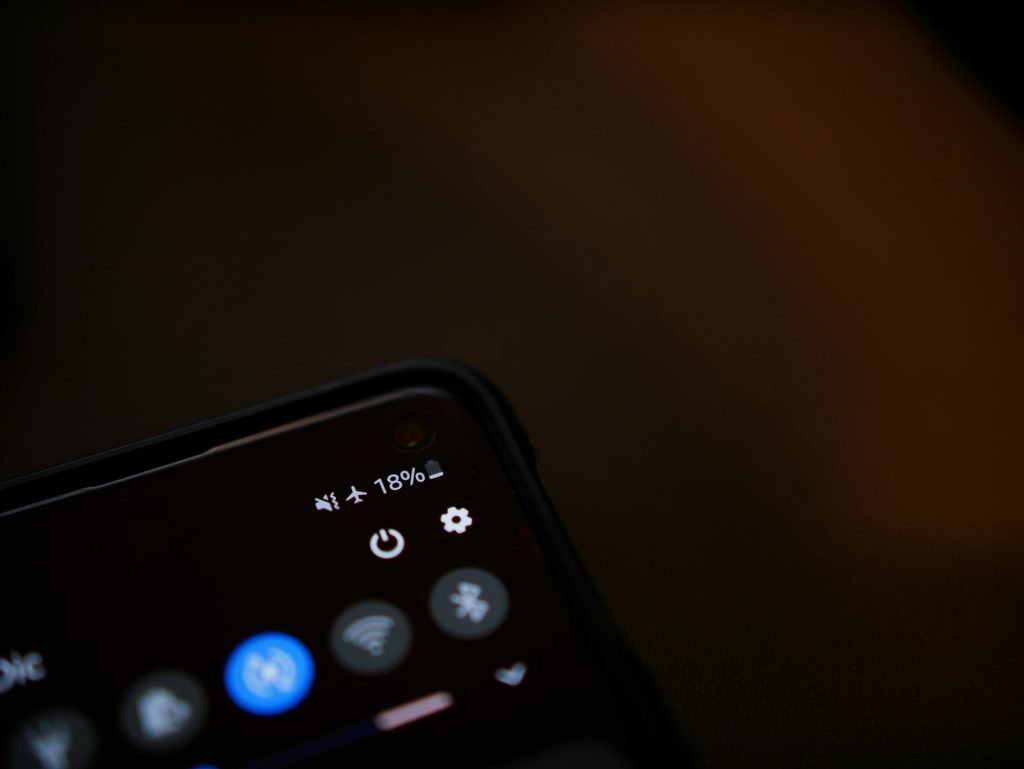
Modern lithium-ion batteries and their sophisticated power management systems do not require routine calibration
The myth that you need to calibrate your phone battery every six months for accuracy still circulates like outdated chain mail. Modern lithium-ion batteries track charge and discharge cycles with precision, making routine manual resets obsolete. Typing device-specific codes to reset battery stats rarely solves actual problems
Older nickel-based batteries benefited from full discharge and recharge to resync fuel gauges—but that era ended years ago. Attempting handset-dependent software fixes or adhering to outdated advice often risks more than it solves. Focus instead on actual battery health practices, like keeping your charge between 20% and 80%
6. Avoiding 100% Charge with Battery Protection
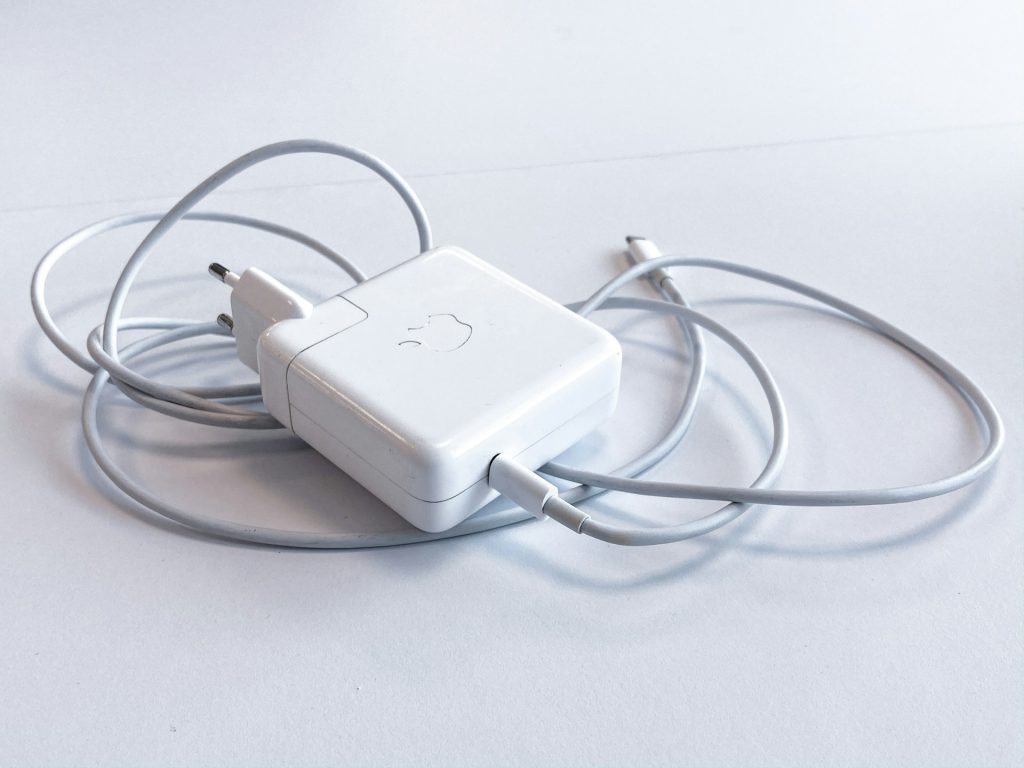
Smart manufacturers now integrate settings to handle this delicate balance automatically
Maintaining your smartphone battery between 20% and 80% charge is the single best way to extend its lifespan. Lithium-ion cells wear down faster when constantly topped off to 100% or fully drained. Smart manufacturers have integrated settings to handle this balance, easing the typical anxiety
Some Android phones offer battery protection features that cap charge around 80%–95% or use adaptive algorithms to delay finishing overnight charges. iPhone users get Optimized Battery Charging, which learns patterns to reduce time spent at full charge. These features remove guesswork, providing automated battery care (though specific settings and limits vary by manufacturer and model)
5. Using Power Banks and Chargers
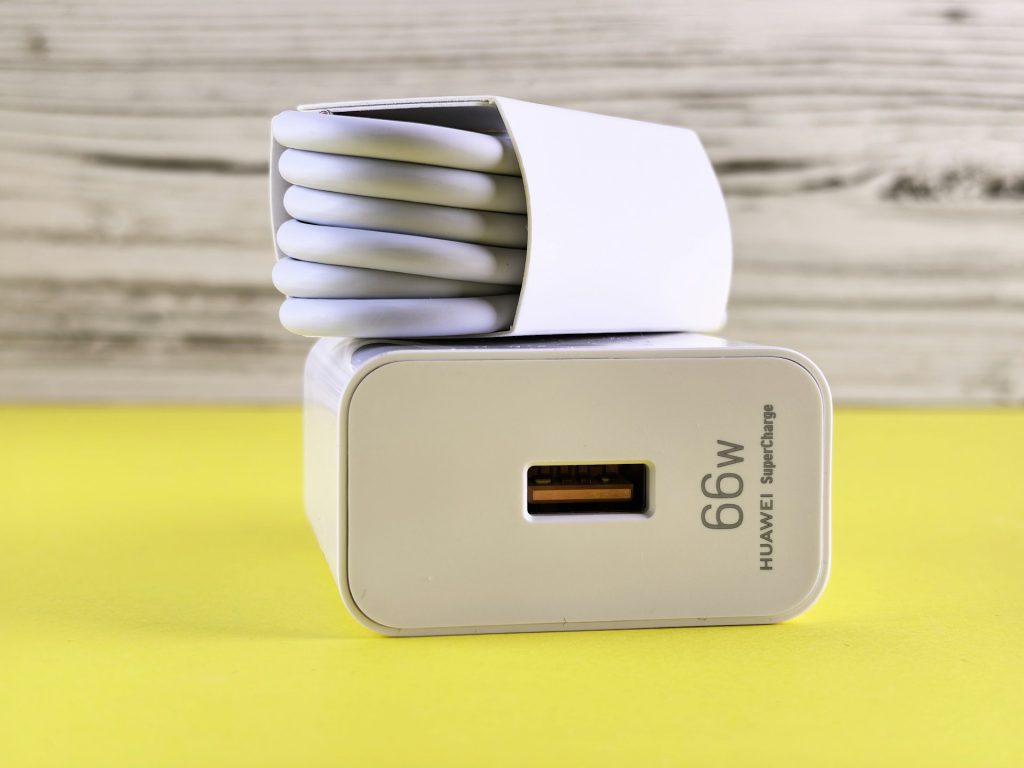
Quality power banks and chargers offer proper circuitry, ensuring stable power delivery and preventing battery-degrading heat
Modern power banks offer compact designs and straightforward operation, providing portable juice on demand. However, cheap, uncertified chargers lack stable voltage and current control. This instability generates excessive heat—the main enemy for your phone’s battery—accelerating its capacity loss
An unbranded charger from the corner store might feel like a bargain, but this choice acts like a slow killer for your device, adding thermal stress. Quality power banks and chargers offer proper circuitry, ensuring stable power delivery. Using certified accessories protects your investment and extends device longevity
4. When to Unplug Your Charger
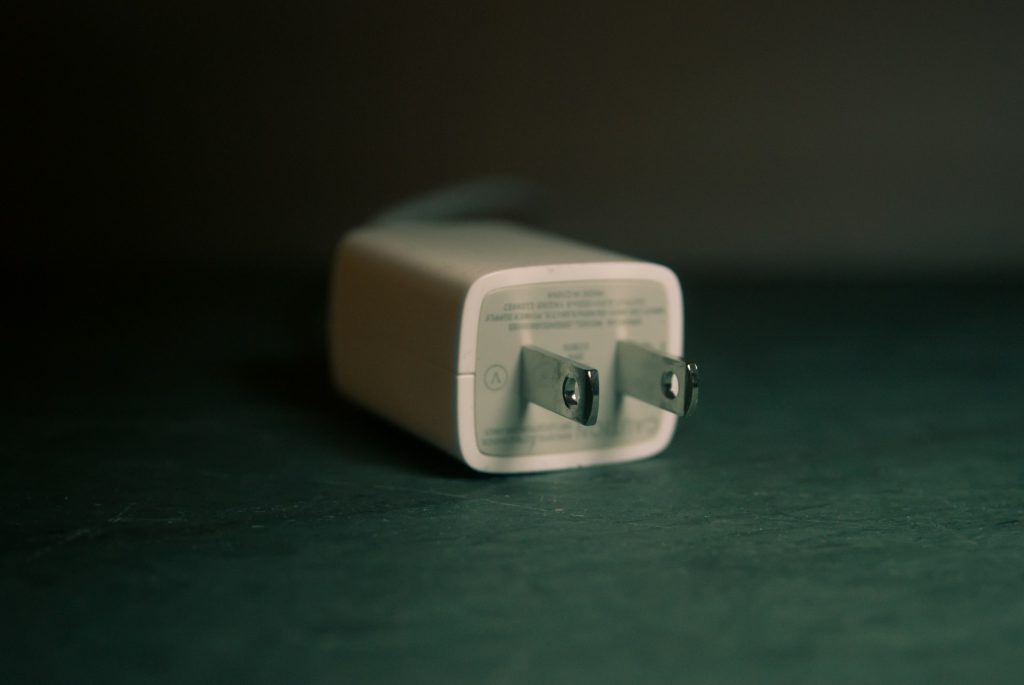
The real concern arises with cheap, no-name alternatives that lack proper voltage and current control
Most reputable, modern chargers include internal protection against overcharging and overheating. Still, cheap, no-name alternatives often lack proper voltage and current control, inviting unstable power delivery and excess heat
Vigilance becomes critical in specific scenarios. An old or damaged wall outlet poses fire hazards. During a thunderstorm, a direct strike or power surge can fry your electronics despite built-in protection. If packing for an extended absence, unplugging your chargers is sensible. Default safety features work well, but relying on them alone when using questionable equipment or facing severe weather isn’t wise
3. Avoiding Overheating During Charging

Heat is the most destructive force for your phone’s battery, accelerating its demise faster than any software bug or accidental drop
Heat accelerates battery demise faster than any software bug or accidental drop. Leaving a phone charging on a hot car dashboard, baking in the sun, quickly degrades its internal components. Explicit warnings advise against charging under a pillow, in direct sunlight, or any hot place—trapped heat creates a capacity-killing oven
Playing heavy games while charging also creates a perfect storm for overheating. Your phone’s processor works overtime while the charge cycle generates additional heat, stressing both the CPU and battery. Every degree above optimal operating temperature shortens its lifespan
2. Understanding Fast Charging
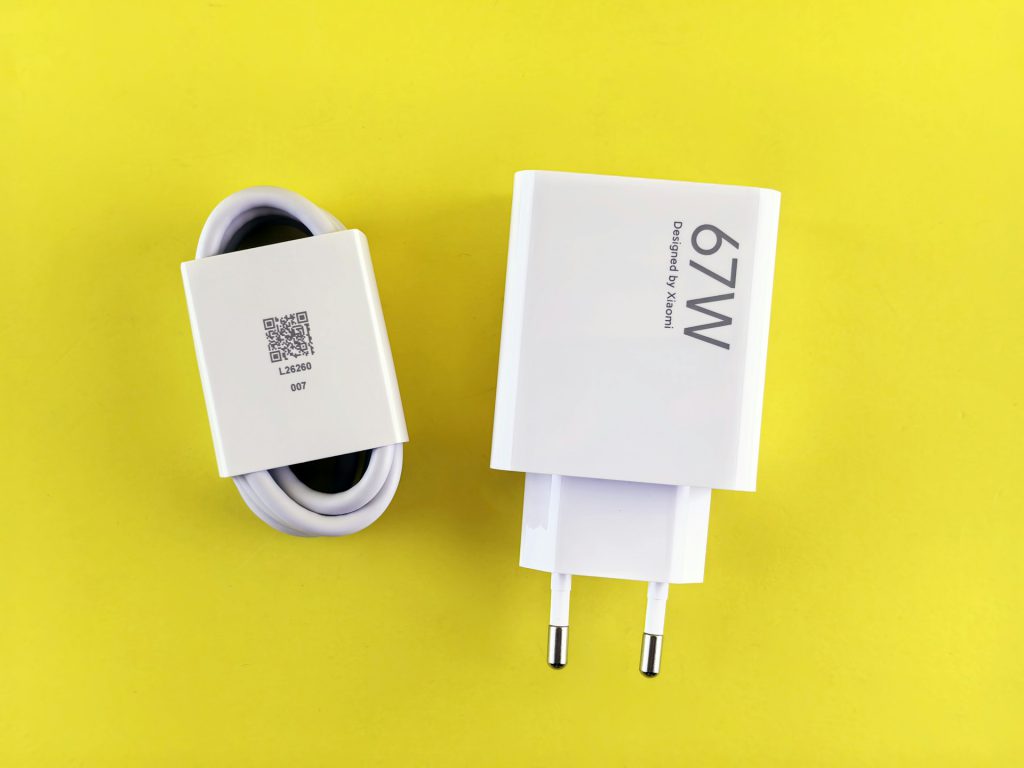
Fast charging itself causes no harm, but consistent high heat can impact battery longevity
Almost every smartphone today offers some form of fast charging, ensuring quick power-ups when needed. Android phones often feature explicit settings for fast charging (or similar features), while iPhones automatically engage faster charging with a sufficiently powerful charger. While this rapid convenience is undeniable, the process generates more heat in the battery
Fast charging itself causes no harm, but consistent high heat can impact battery longevity. Use it strategically for quick top-ups, rather than constant reliance, especially if your phone frequently becomes very hot
1. Charging Habits: Charge When Convenient
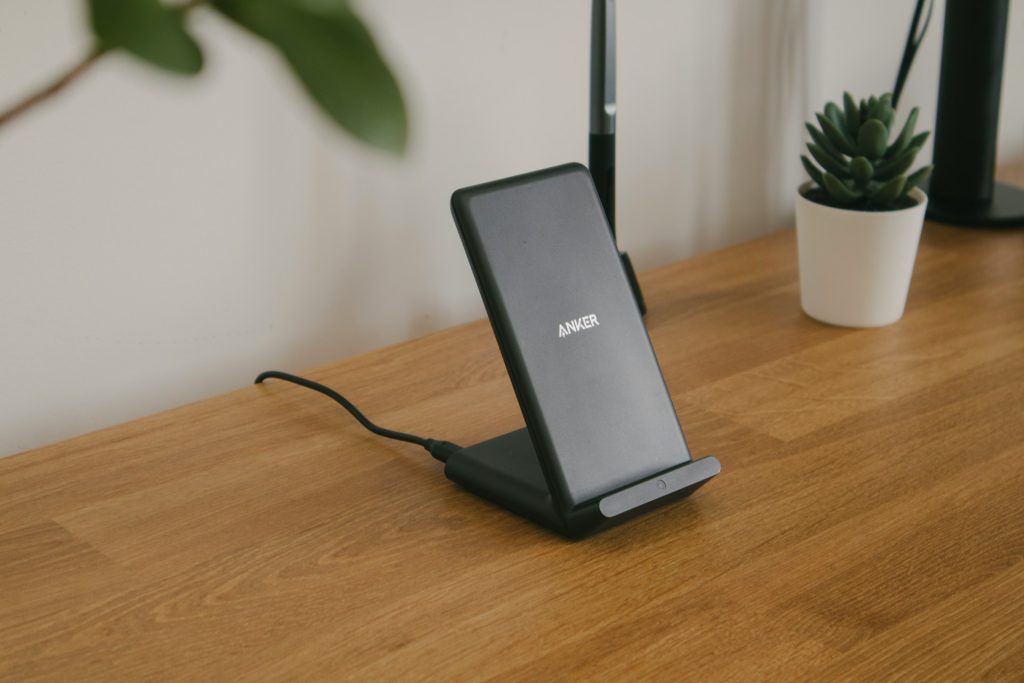
Modern lithium-ion phone batteries thrive on frequent, opportunistic charging
The ghost of old battery advice still haunts many, urging complete discharge before plugging in. This outdated notion, a relic from the NiCad days, actually harms modern lithium-ion phone batteries. These cells thrive on frequent, opportunistic charging. Plug in whenever convenient, even when your phone shows 40% or 50% charge; no need to wait for it to die. Removing the charger before it hits 100% won’t damage it either, giving the flexibility you need
Anyone who has stared at a blinking low-battery icon on a long commute knows the anxiety of waiting for that “perfect” charging moment. Top up your device in the car, at a coffee shop, or during a quick work break without a second thought. This approach extends your battery’s life by preventing the stress of deep discharge cycles. Your phone battery is a workhorse designed for real life
